Bulk User Import
User Bulk Import
User Bulk upload allows the QVOICE Platform admin to easily upload one or more users to the platform via a simple to use CSV file.
Future adds, moves and changes can be administered via a CVS (Excel) file and re-uploaded to the QVOICE Platform when changes are required.
Navigate to the QVOICE Platform portal
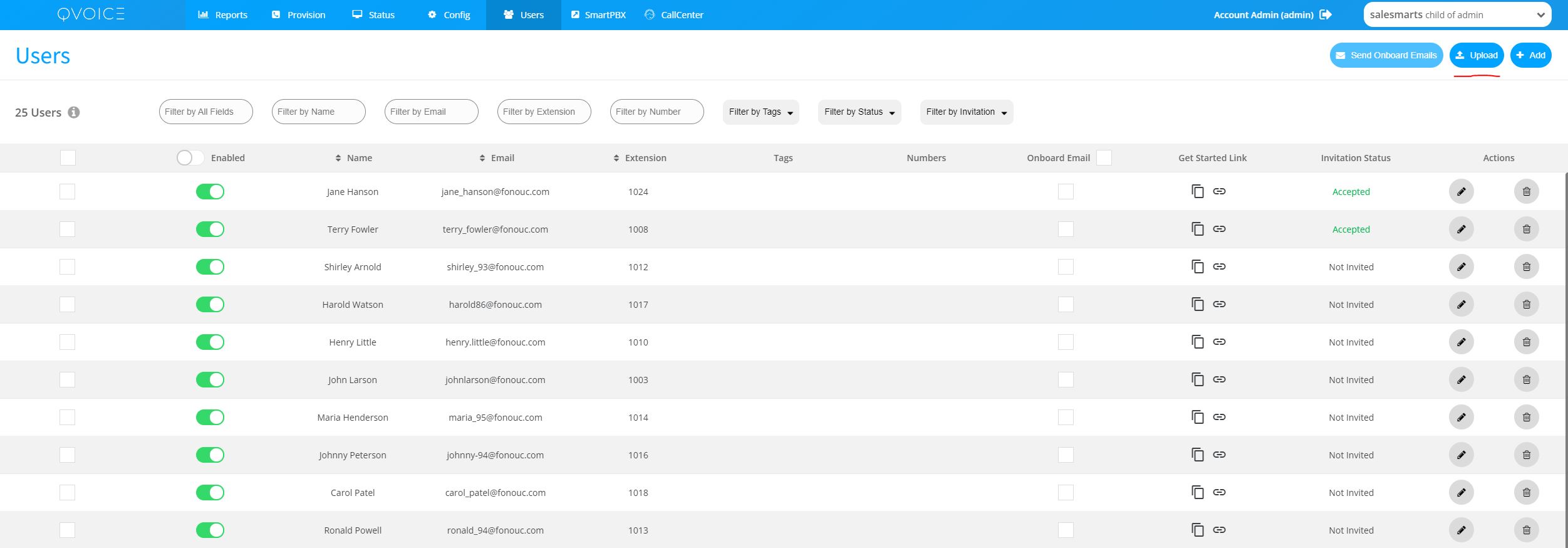
- Navigate to Users in the top bar
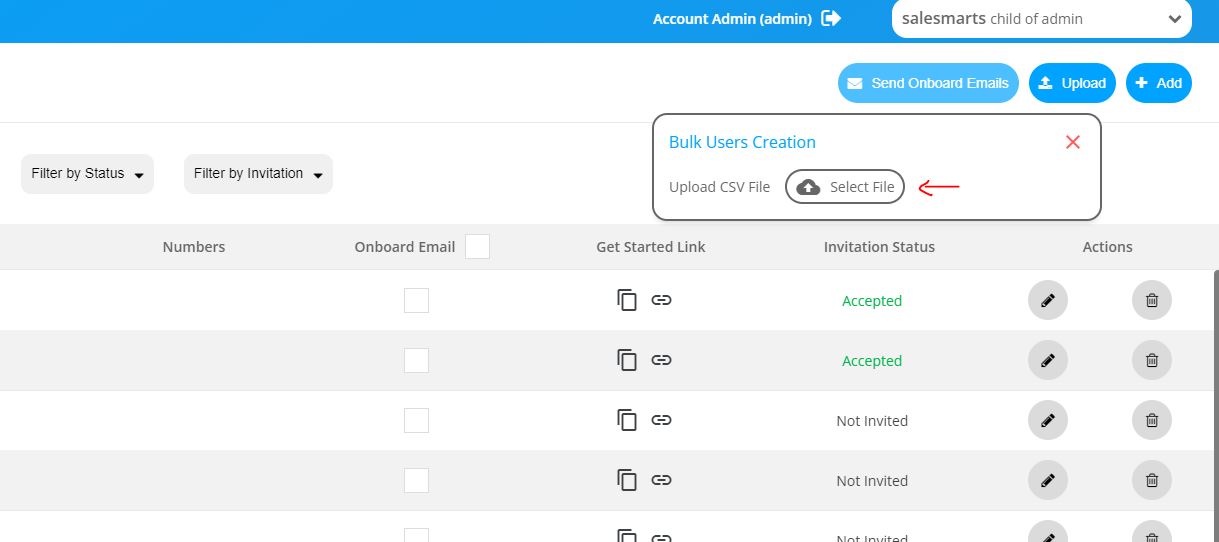
- Click on the Upload button
- Click on Select File and choose a file from the local computer drive
 |
 |
Bulk Import CSV File
Link to the CVS upload sample file
- Click on the link above, and save it in a new google doc or download it and open it as Excel CSV file
- Add all user data, if unsure leave the field empty